

How to Design Hundreds of Puzzle Levels Without Repeating Gameplay
Players quit puzzle games when levels start feeling the same. If you're building a mobile puzzle game with 100, 300, or 500+ levels, variety isn't optional — it's what drives retention. Here's a to-the-point guide to puzzle level design that keeps gameplay fresh.
How to Design Hundreds of Puzzle Levels Without Repeating Gameplay
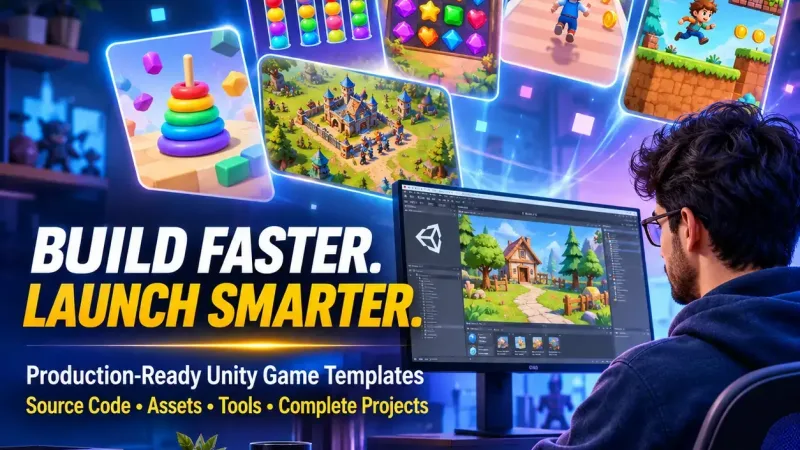
How to Design Hundreds of Puzzle Levels Without Repeating Gameplay
Puzzles become boring to play when the difficulty level becomes similar. When designing an app for your mobile puzzle game with 100, 300, or 500+ levels, you must focus on keeping your game varied to encourage retention. Following is a clear guide on how to design your puzzle game level:
1. First of all, create a core mechanics library.
Start by listing all the mechanics that your game offers.
- Base mechanics: matching, sliding, connecting, sorting
- Obstacles: locks, ice, walls, timers
- Modifiers: limited moves, special tiles, power ups
- Win conditions: clear tiles, collect items, reach a certain score
With ten mechanics in hand, you will have dozens of possible combinations for your levels.
2. Add one new element at a time.
A good level design follows a simple structure.
- Introduce the new mechanic in an easy, safe level.
- Practice it at some easy levels.
- Combine it with old mechanics.
- Surprise players by giving them an unexpected twist on it.
Such a way will keep them playing and learning at the same time.
3. Use the Difficulty Sawtooth Curve, Not a Constant One
Consistent increase in difficulty will make a person tired. It is better to use the following scheme for the difficulty:
- Easy level -> medium -> hard -> breather level -> repeat from the next higher baseline.
- Insert a level where a player fights a boss or meets another challenge level after 10-15 other levels.
- Put some easy "rewarding" level after difficult one to build player confidence.
4. Vary the Objectives of Levels and their Structures
Never make the objectives alike. Make the objectives to include:
- Various victory conditions (collect, clean up, survive, time attack)
- Various board size and shape
- Various move limitations
- Various special or bonus levels
- Various mini challenges with special rules
5. Design Theme and Chapters for Levels
Divide all the levels into chapters which should have a distinctive character:
- One of a kind visual style (forest, desert, space)
- Distinctive mechanism and an obstacle
- Unique difficulty ramp
6. Utilize Templates and Procedural Generation Correctly
Manual level creation takes too much time. Use a mix:
- Level templates: Repeatable templates that require tweaks.
- Procedural generation: Generate templates, then polish the best ones manually.
- Randomness with seed: Repeatable and adjustable process.
- Solvability checks: Always check whether all levels are solvable.
Fully procedurally generated levels usually lack soul; therefore, manual editing is necessary.
7. Create a Level Editor
A level editor made in Unity will increase productivity greatly:
- Use JSON or Scriptable Object to save the levels.
- Make it possible to place objects via drag and drop.
- Implement a one click playtesting button.
- Make use of an automatic solver or a bot.
Well-designed tools help create more levels without mistakes.
8. Playtest and Utilize Analytics
Numbers show what the human eye misses:
- Keep track of win rate, fail rate, and attempts per level.
- Find out which levels cause the most trouble for the player.
- Adjust level difficulty accordingly.
- A/B test level order and difficulty.
A level with a high failure rate requires changing or balancing.
9. Avoiding Common Pitfalls in Level Design
- Using the same layout with small tweaks
- Sudden spikes in difficulty
- Too much to learn at once
- Making impossible or unfair levels
- Ignoring player input and analytics
- Making levels of equal length
10. Continue Development Post-Launch
Hundreds of levels don’t have to launch simultaneously:
- Begin with 50-100 well-designed levels.
- Continue adding new sets to keep players hooked.
- Hold special events and limited-time challenges.
- Utilize player information for level design in the future.
Conclusion
It’s not difficult to design a large number of unique levels if there is an extensive mechanic library and difficulty ramp, and the tools and information from the players are used to continue developing.
Frequently Asked Questions
How many levels should a puzzle game have at its launch?
Most successful puzzle games have 50-100 high-quality levels at their launch and more levels are added via updates.
How to prevent puzzles' repetitiveness?
Gradually introduce new mechanics, vary win conditions and board designs, use chapters, breather, and challenge levels.
Is it better to create puzzle levels manually or procedurally?
The combination of both techniques is optimal: use procedural generation to make it fast and then handcrafting to make high quality and balance.
How to balance the puzzle game?
Use a sawtooth difficulty progression, playtesting, and collect analytics such as win rate and attempts on levels.
Which tool is best to create puzzle levels in Unity?
Level editor with Scriptable Object support or JSON is optimal for level creation because allows fast testing and adjustment.
How to ensure solvability of all levels?
Design an automated solver or bot and perform manual playthroughs.
How often to update the game with new levels?
New levels should be added every 2-4 weeks.
TOP 5 PUZZLE GAMES
Build Your Next Puzzle Game with Gameosophy
🏆 Hexa Puzzle Game
🚗 Drive Quest Puzzle
🧩 Tile World Match 3
🐱 Meowdoku: Brain Puzzle Games
🏹 Arrow Rush Puzzle